Medkit (CPR)
CPR deals with automation of features.
There are a couple of things players can do:
Character level Automation updates
If you get news spells or features and want to check if there are and CPR automations for them. Click the Medkit button at the top of your characters sheet:
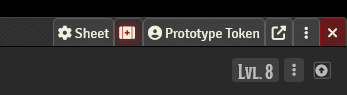
This will give you some messages on the automation of your characters items.
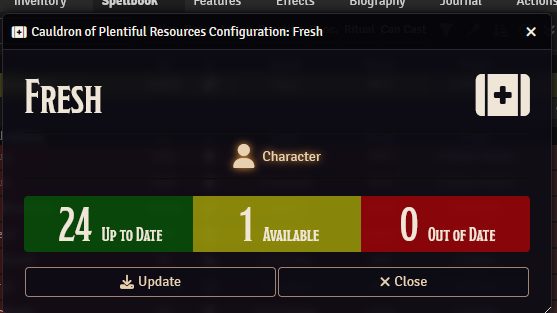 If there are new items, or items that need updating click the “Update” button to do so.
Item Level enable/disable
If you want to disable a specific spell you can open the spells Item and click the Medkit:
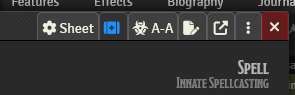
This will give you a basic menu for controlling there automation. If you want to disable an items automation, change it to none.
Sequencer & A-A
Sequencer/A-A deal with the animations and sounds on items
Turn of sounds/animations
If you want to keep automation, but disable sounds, animations or both you can do so in the settings menu:
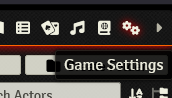
then
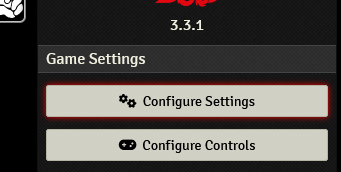
Select Sequencer from the list and enable or disable sounds and animations

Item level animation changes
If you want to change the animation/suonds on a specific item you can do so by opening the item and clicking the A-A button on the top:

In here you can toggle the “customize” item toggle, and tweak it to your liking. For example turning down the volume:
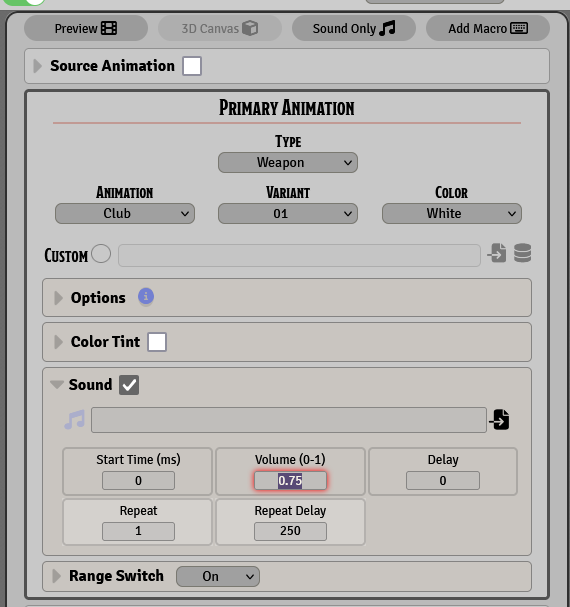
or making it slightly see through