What not to do
Do not use the default level up button on the character sheet:
Tidy 5e
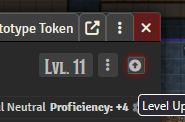
Default Sheet
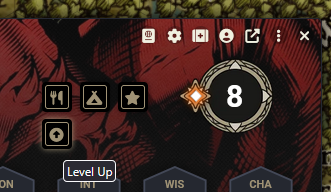
What to do
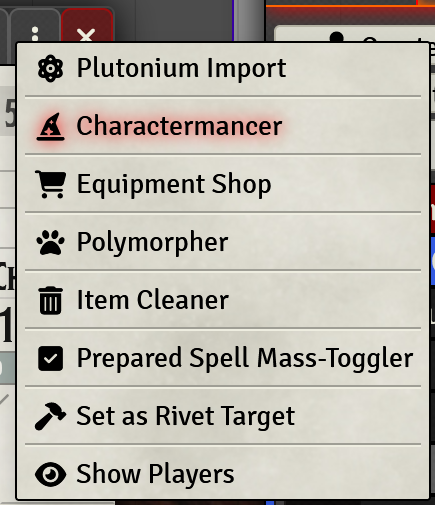
Currently in Foundry we use the “Charactermancer” to build new characters. To access this first create a blank actor in your folder under the actors tab (it can have a temporary name), and then open the character sheet. In the top right of the sheet you should see a “three dot” menu button which has Charactermancer under it:
The Charactermancer is a fairly self expiatory step by step process of creating a character. However, the first time you use it the filters for your options will not be set up correctly to match our table. Below is a tab by tab breakdown of each step in creating or levelling a character:
Charactermancer Sources
When you first open Charactermancer it will ask you to select your sources. You can add the following:
- 5etools (default)
- alterNERDtive; 2024 Custom Background (Important if you wish to use Custom Backgrounds)
- Keith Baker; Exploring Eberron
- Keith Baker; Chronicles of Eberron
- Keith Baker; Frontiers of Eberron Quickstone (This is a WIP by someone, so picking from this might have issues you will need to monitor and resolve.)